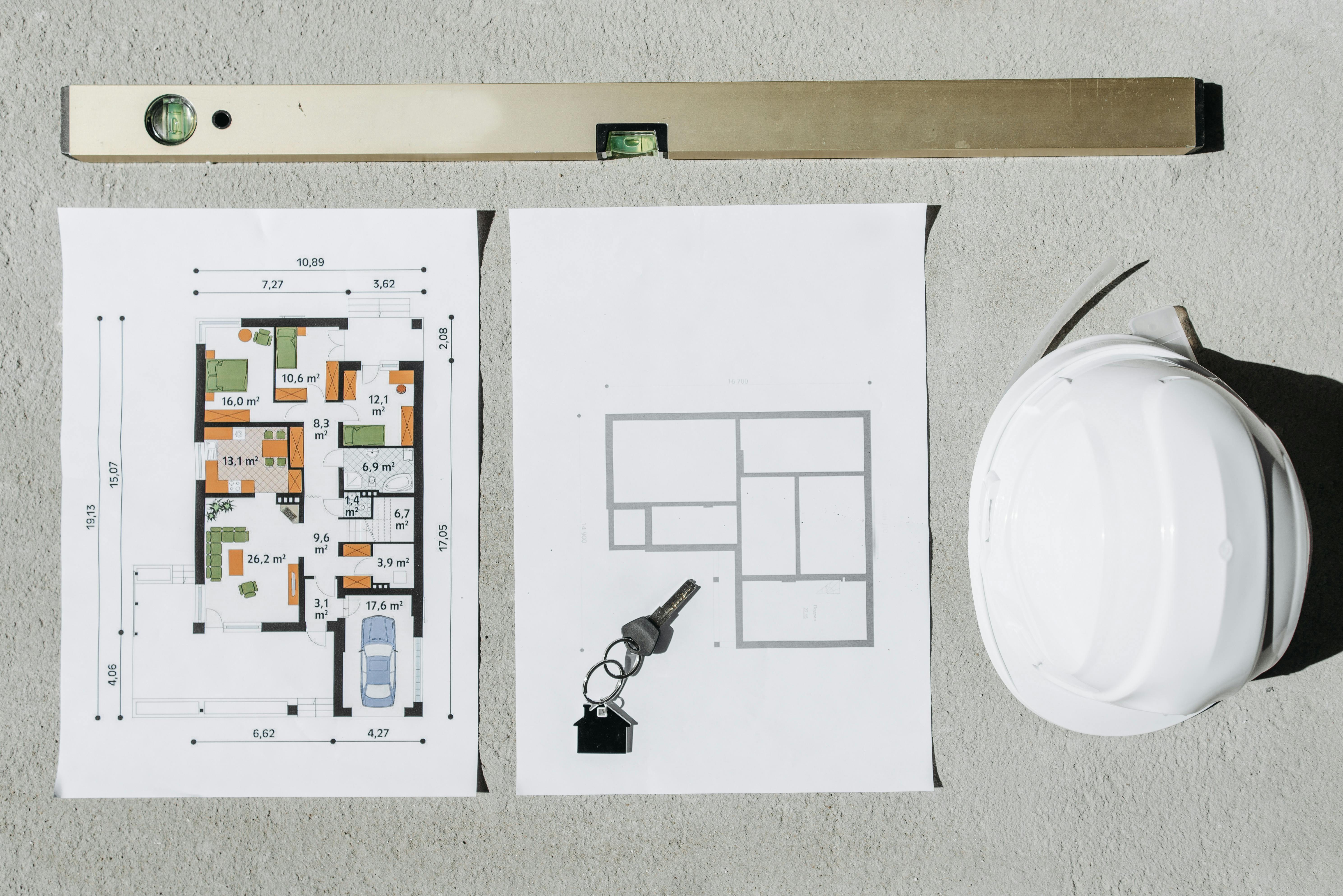
At Griham.io, we transformed the door and window schedule into a parametric engine.

Solvin Babu
Founder of Griham
Featured

When estimating doors and windows, the physical wood and glass usually make it onto the spreadsheet. But the devil is in the details—the hardware and the finishes.
In traditional estimation, counting "12 doors and 8 windows" is only the first step. To build an accurate BOQ, a contractor must then calculate the running meters of the wooden frames, the square meter area for polishing or painting, and individually count the hinges, mortise locks, and tower bolts required for each panel.
Forgetting to order the correct number of brass hinges or underestimating the kilograms of MS steel required for window grills can cause frustrating delays and out-of-pocket expenses right at the end of a project when cash flow is tightest.
At Griham.io, we transformed the door and window schedule into a parametric engine. Using the Joineries Schedule Grid, you simply enter the size and count of your openings. The engine reverse-engineers the entire assembly, calculating the wood, glass, hardware, and polish simultaneously.
Here is exactly how the Joineries engine locks in your finishing budget.
Understanding the Input Fields
The Joineries grid is elegantly simple. All dimensions must be entered in Meters (m).
1. Type
Use this field to input your architectural door and window tags (e.g., "D1", "D2", "W1", "Main Door"). Grouping your joinery by type makes it incredibly easy to cross-reference your final BOQ with the architectural floor plan.
2. Width (m)
The total width of the structural opening for this specific door or window.
3. Height (m)
The total height of the structural opening.
4. Count (Nos)
Instead of typing out every single window, simply enter the total quantity of this specific type. If there are eight "W1" windows in the house, enter 8. The engine will instantly multiply the area, frame length, and hardware requirements across all eight units.
What Does the Engine Generate?
This is where Griham.io’s parametric logic saves you hours of tedious counting. When you click "Calculate & Add to Staging", the engine processes your openings and dynamically generates 8 specific materials and hardware components.
Furthermore, the engine adapts to your global Project Quality setting (Basic, Medium, or Luxury) to automatically specify the correct timber grade for your estimate.
Here is the exact breakdown of the parametric output:
Panelled Doors/Windows (m²): Calculates the total surface area of the panels. The Magic: If your project is set to "Luxury," it automatically prices Teak Wood. If "Medium," it prices Anjili/Hardwood. If "Basic," it prices standard Hardwood Doors.
Wood Door Frames (Running Meters): You don't need to manually calculate frame perimeters. The engine uses a standard three-sided frame algorithm
(Width + Height + Height) × Countto give you the exact running meters of 4x3 section wood framing required.Brass/SS Door Hinges (Nos): Automatically allocates a standard 3 hinges per door/window panel.
Mortise Door Locks (Nos): Allocates 1 main lock per opening.
SS Tower Bolts (Nos): Allocates 2 tower bolts (top and bottom) per opening.
Window Glass Panels 4mm (m²): Using a standard ratio (approx. 60% of the total opening area), it estimates the square meters of glass required for window glazing.
Window Grills MS (Kg): Automatically calculates the weight of Mild Steel (MS) window grills required using a standard architectural density of 12 Kg per square meter of opening.
Wood Polish/Varnish (Liters): Converts the total wood surface area into the exact liters of polish required for a professional finish.
Complete Assemblies, Zero Omissions
By treating a door as a complete "Assembly" rather than just a piece of wood, the Griham.io Takeoff Wizard ensures your hardware schedule is generated flawlessly. You never have to worry about the carpenters standing idle because you ordered too few hinges or forgot the wood polish.
With just the width, height, and count, your entire joinery budget is secured.
Ready to tackle the most complex part of estimation? Read our final guide on [Step 7: MEP & Fixtures (Point Counting)].