At Griham.io, we consolidated these complex engineering rules into a single, intelligent dropdown menu.

Solvin Babu
Founder of Griham
Featured
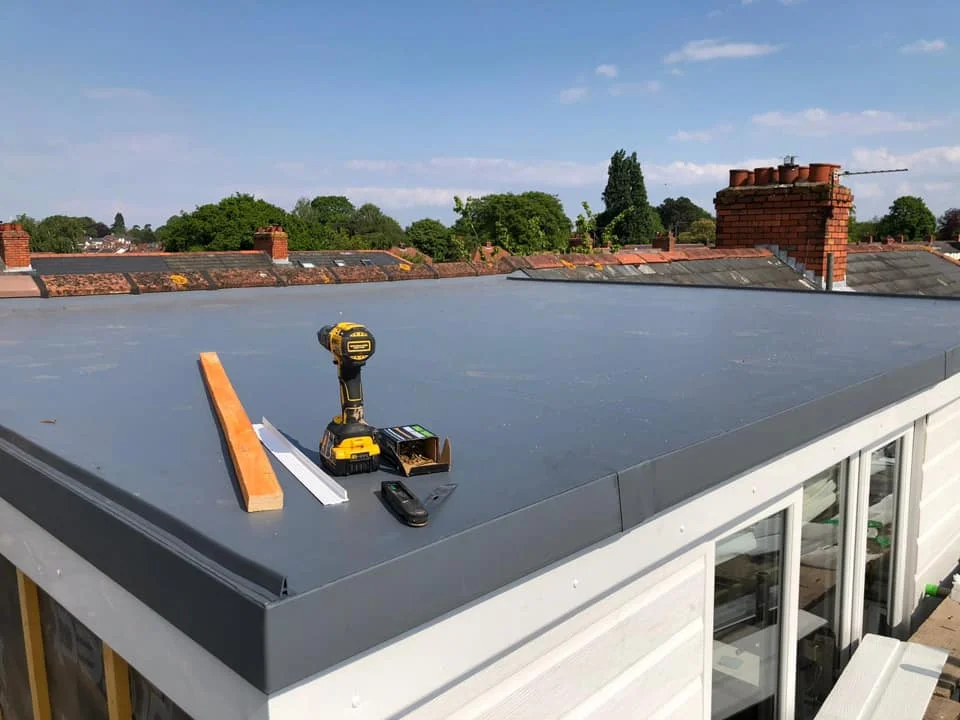
The roof is the crowning milestone of your structural phase, but estimating it correctly can be a headache.
Depending on the architectural design, estimating a roof forces you to switch between completely different mathematical disciplines. If it is an RCC Flat Slab, you need to calculate cubic concrete volumes and heavy TMT steel density. If it is a sloping Truss & Sheet roof, you suddenly have to calculate the weight of hollow steel pipes per square meter, account for the angle of the roof pitch, and factor in the overlapping wastage of roofing sheets.
Switching back and forth between these formulas in a manual Excel sheet often leads to unit conversion errors. Ordering 20% less roofing sheet because you forgot to calculate the roof pitch can delay a project by weeks.
At Griham.io, we consolidated these complex engineering rules into a single, intelligent dropdown menu. By using the Roofing & Slabs Grid, you simply enter the flat plan area of your building, tell the engine what type of roof you are building, and it handles the rest.
Here is exactly how the Roofing & Slabs engine protects your budget.
Understanding the Input Fields
The genius of this grid is its simplicity. All inputs are based on standard Square Meters (m²).
1. Description
Identify the roof section you are working on (e.g., "Main House Slab", "Car Porch Truss", "Balcony Sunshade"). This allows you to mix and match different roof types in the same project without confusion.
2. Total Area (m²)
This is the flat plan area of the roof footprint. You do not need to calculate the hypotenuse or the angled area of a sloping roof—just enter the standard flat 2D area (Length × Width) of the space being covered. The engine will handle the multipliers.
3. Roof Type (The Master Toggle)
This dropdown menu changes the entire mathematical behavior of the row.
RCC Slab: Tells the engine to prepare concrete and reinforcement algorithms.
Truss & Sheet: Tells the engine to prepare steel fabrication and surface-area algorithms.
4. Waste% - Wastage Percentage
Whether concrete spills during pumping or roofing sheets are cut to fit angled hips and valleys, waste is inevitable. The default is 5%, which the engine applies to the final calculated quantities to ensure you have a safe purchasing buffer.
What Does the Engine Generate?
The output completely changes based on the Roof Type you selected. When you click "Calculate & Add to Staging", the Parametric Engine triggers one of two distinct structural algorithms:
Scenario A: If you selected "RCC Slab"
The engine assumes a standard structural slab thickness and reinforcement ratio.
RCC Roof Slab (m³): The engine multiplies your Total Area by a standard 0.12m (120mm or approx. 5 inches) thickness to calculate the precise cubic volume of Ready-Mix Concrete required.
TMT Steel (10mm/12mm) for Slab (Kg): Using a structural thumb rule of 100 kg of steel per cubic meter of slab concrete, it instantly calculates the metric tonnage of TMT steel required to form the reinforcement mesh.
Scenario B: If you selected "Truss & Sheet"
The engine shifts from volume calculations to surface area and fabrication weights.
Truss Steel (Square Pipe) (Kg): To support the roof, the engine calculates the fabrication skeleton. It uses a standard engineering factor of 15 Kg of structural steel (like hollow MS square pipes) per square meter of roof area.
Roofing Sheet/Tiles (m²): This is where the engine saves you from the most common manual error. Because a sloping roof has a larger surface area than a flat plan, and sheets require overlapping, the engine multiplies your base area by 1.2. This automatically covers the pitch angle and the side/end overlaps required for metal sheets or ceramic tiles.
Stop Doing Trigonometry on Site
You no longer have to calculate roof pitches or guess reinforcement ratios. The Roofing & Slabs assembly allows you to quickly price out variations for your clients. Want to know the price difference between a concrete slab and a truss roof for a 150 m² house? Just change the dropdown menu, and Griham.io will re-price the entire roof in seconds.
Ready to move inside the building? Learn how to automate your interior finishes in our next guide: [Step 5: Flooring & Ceiling Calculations].